Time & attendance for small teams
Turn any phone intoyour team's time clock
Your staff prag in and out from the phones they already carry. You get live attendance, late and overtime flags, and reports that are ready before payroll is.
Free to start · No hardware to buy · Set up in an afternoon
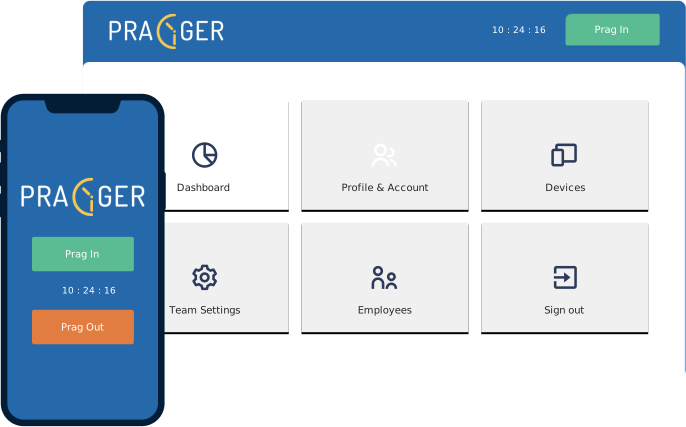
One day, one screen
The whole shift, as it happens
Every prag lands on the dashboard the moment it happens. Late starts and overtime are marked against each team's own schedule, so you can see the exceptions without reading a single row of a spreadsheet.
- MRMaria R.Front deskOn time
- JDJun D.KitchenLate prag in
- ASAira S.ServiceOvertime
Getting started
Running by this afternoon
- 1
Create your team
Add people by email and group them into teams — front desk, kitchen, field crew. Each person signs in with a one-time code.
- 2
Set the schedule
Choose working days, start and end times, and a flexible window for pragging in. Pragger measures every prag against it so you don't have to.
- 3
Start pragging
Staff prag in from their own phone, or from one shared tablet by the door. The dashboard fills in as the day goes.
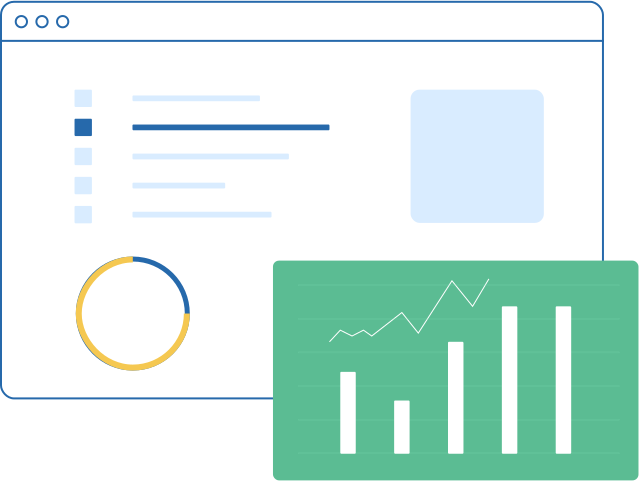
Reports
Ready before payroll is
Hours, late starts and overtime are totalled per person and per team as the month goes. Open Reports, pick a range, and the numbers are already there — no exporting, no formulas, no chasing paper.
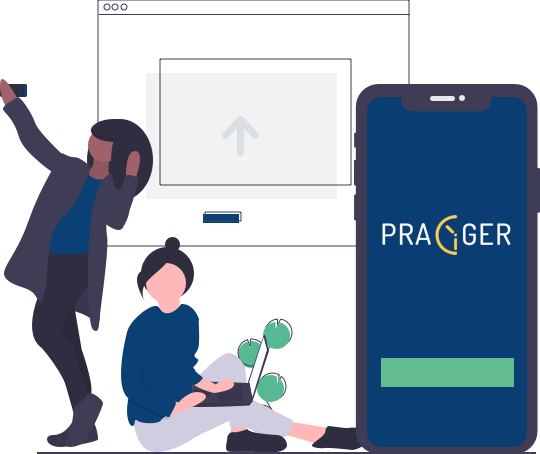
Devices
That old phone in your drawer
Register a spare Android or iPhone as a shared device and mount it by the door — it becomes the clock the whole team taps on the way in. No biometric scanner to buy, wire, or replace when it breaks.
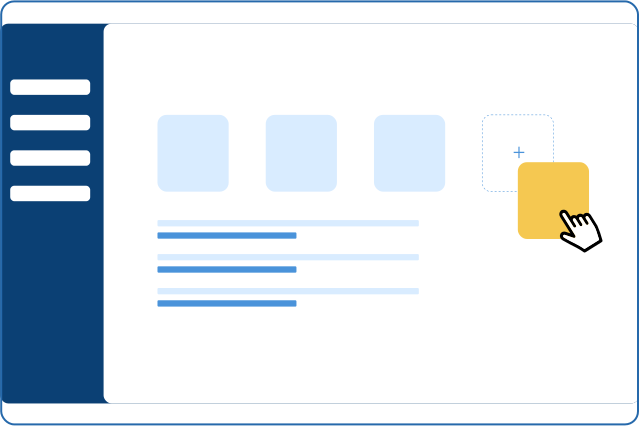
Teams & schedules
Rules that match how you work
The kitchen starts at six, the office at nine, and the field crew works Saturdays. Give each team its own working days, hours and flexible window, and every prag is judged against the right one.
What you get
Everything you need, included
Users
Add staff, assign them to a team, set who can administer.
Teams
Separate schedules, members and settings per group.
Schedules
Working days, start and end times, flexible windows.
Devices
Register shared phones or tablets as time clocks.
Reports
Hours, late prags and overtime by person or team.
Notes
Attach a reason to any prag that broke a policy.
See it running
Two minutes, start to finish
Start tracking tomorrow morning
Create your team, add your people, and have them pragging in by their next shift.